Overlap
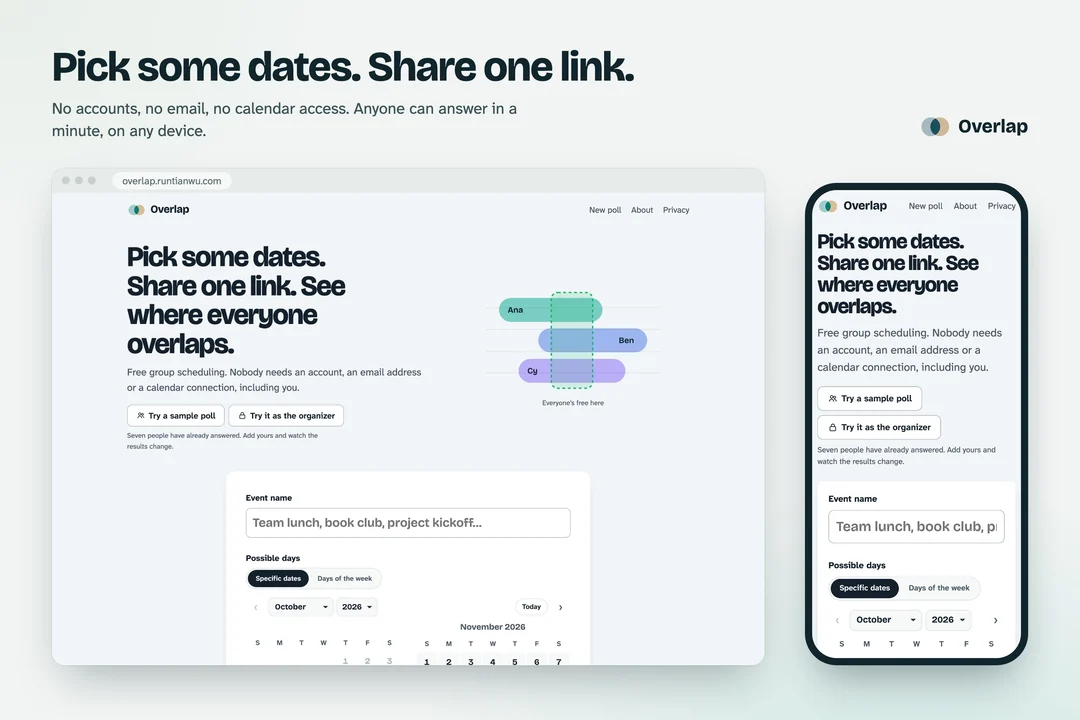
See exactly who can make it. One link, no accounts: everyone marks their free times, each person gets their own color, and Overlap ranks the best times for you. The organizer sets the final time (one slot, several days or several sessions), and everyone gets the plan with a calendar invite. In 20 languages, on any phone.
- JavaScript
- MIT License
- Updated Oct 2026
Overlap is a free group scheduler. Share one link, everyone marks when they're free, and you see exactly who can make each time. It ranks the best times for you, and once you pick one, everyone's page becomes the plan, with a calendar invite. No accounts, no ads, no tracking.
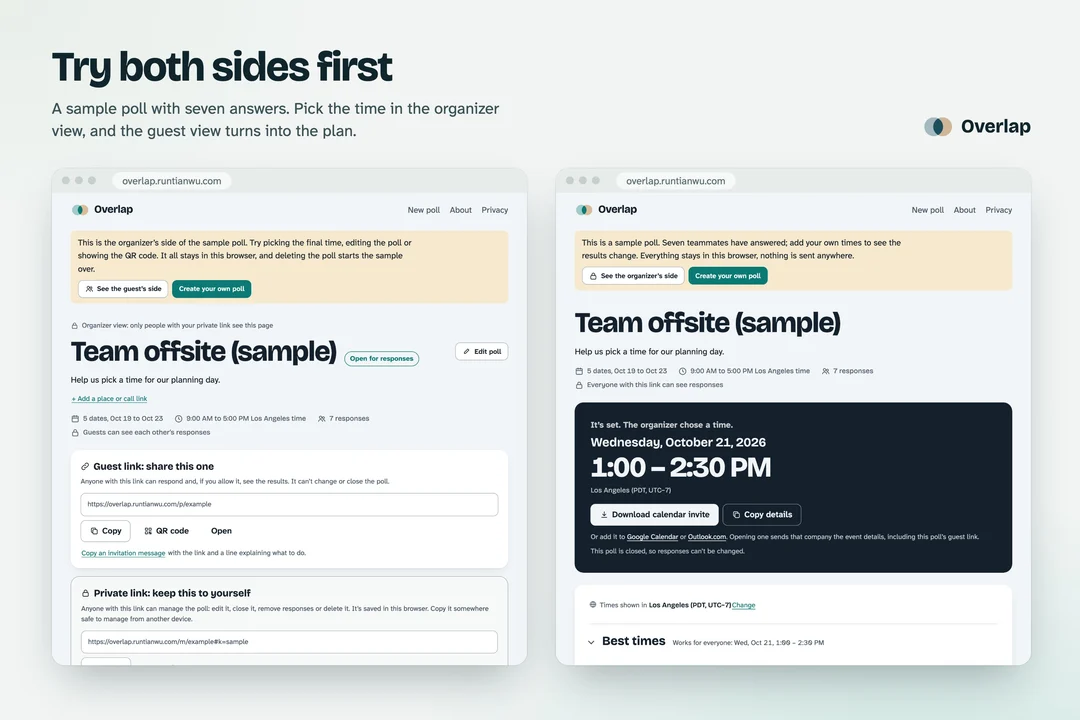
Watch the demo video, or try the sample poll that seven teammates have already answered, as a guest or as the organizer. Everything in the sample stays in your browser.
How it's different
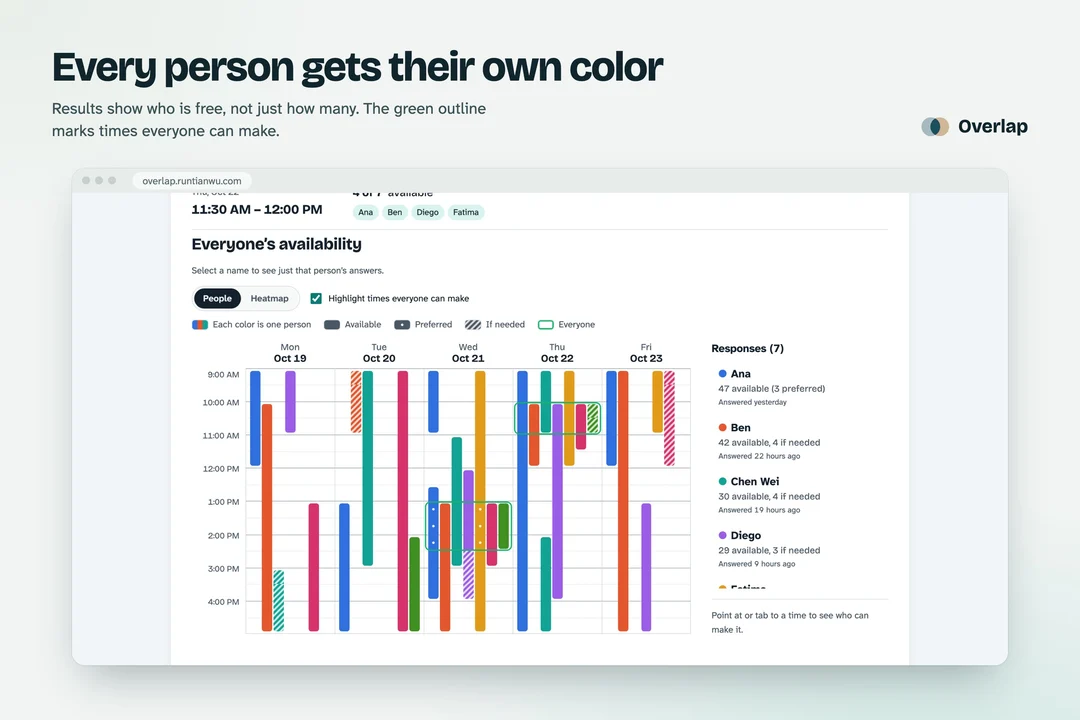
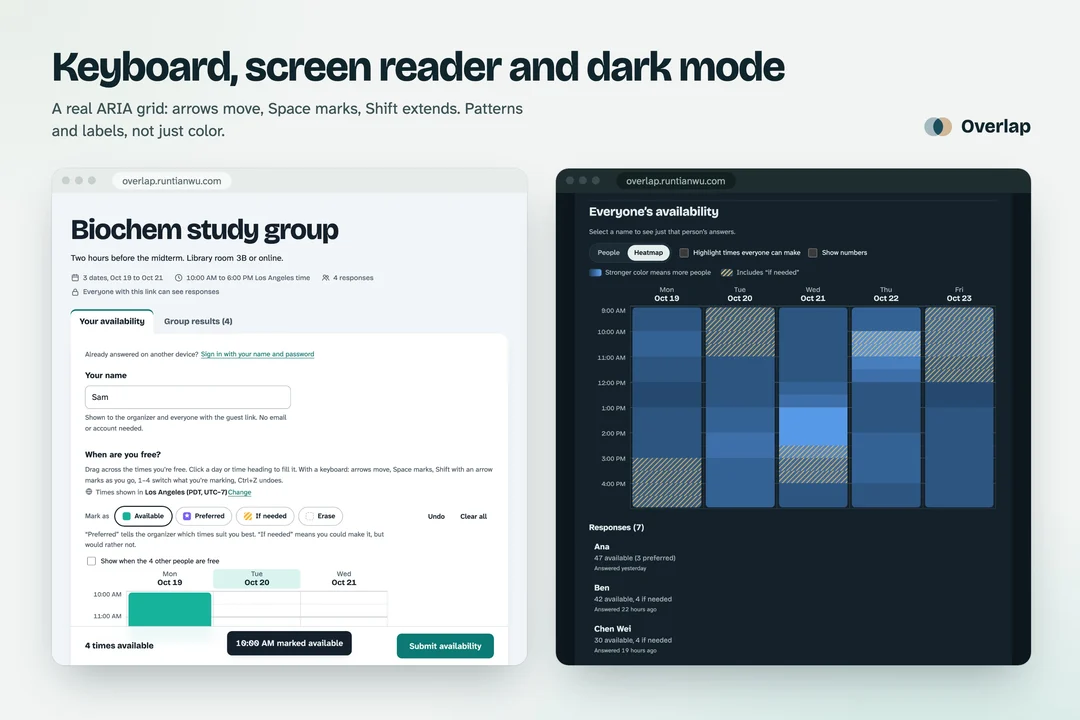
- You see who, not just how many. Each person gets their own colored lane, so you can read the group's week at a glance. For big groups, a heatmap is one click away.
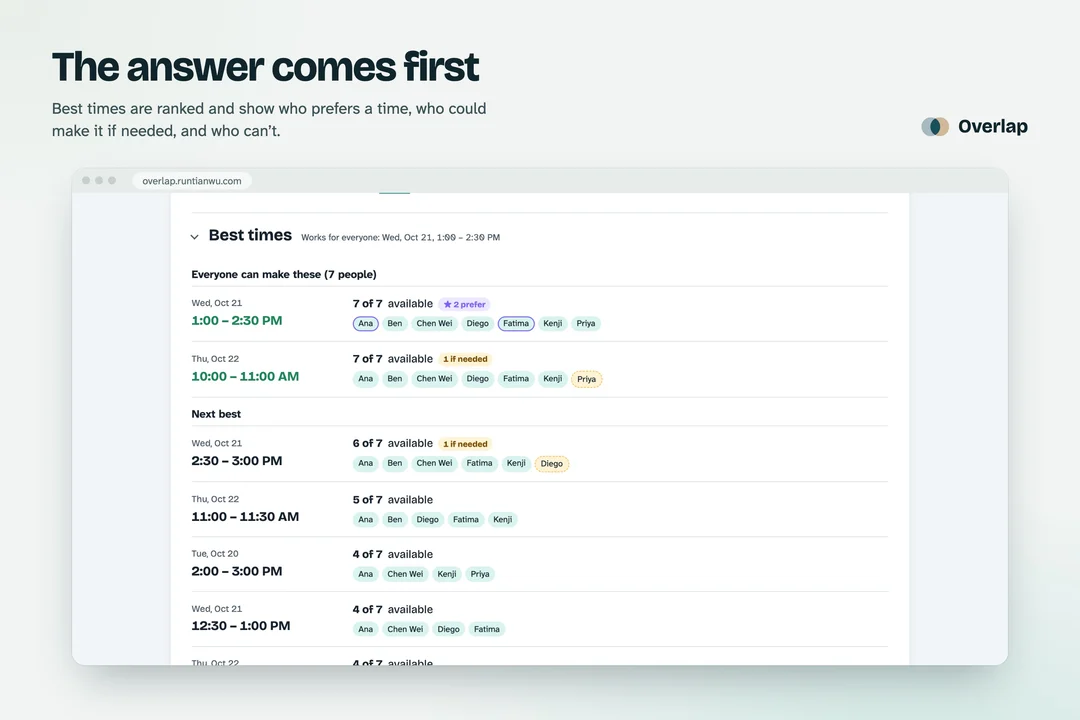
- It finds the answer for you. Best times ranks the options above the grid, starting with the times everyone can make, with names on each one.
- Answers have shades. Besides Available, people can mark times as Preferred or If needed, and the ranking uses both.
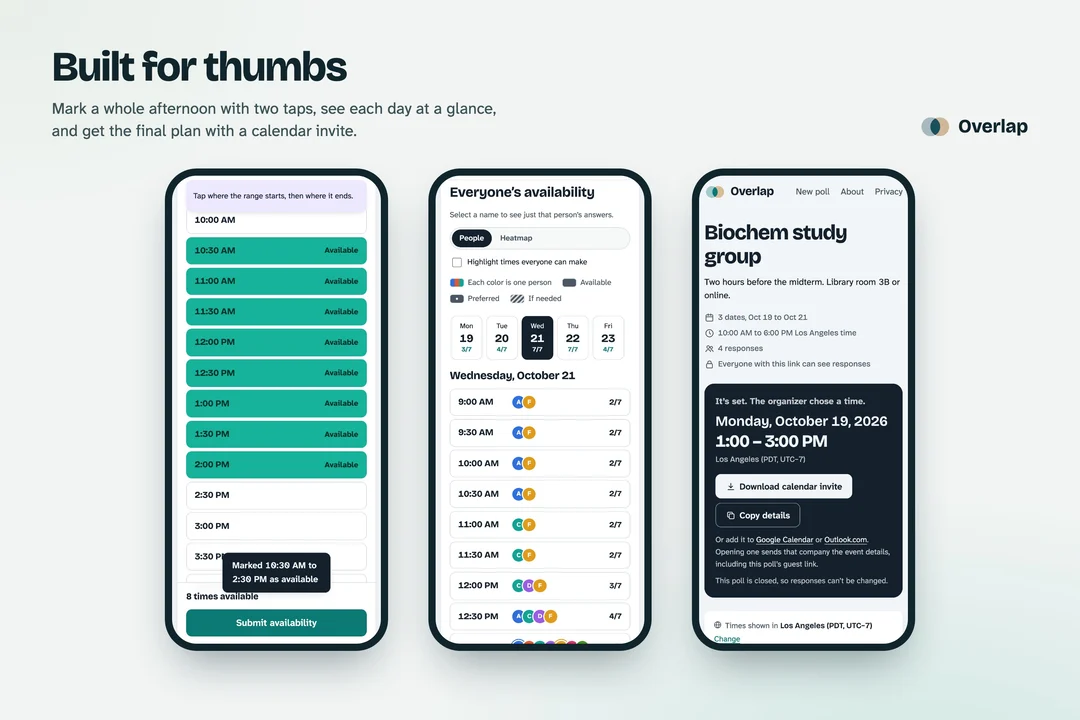
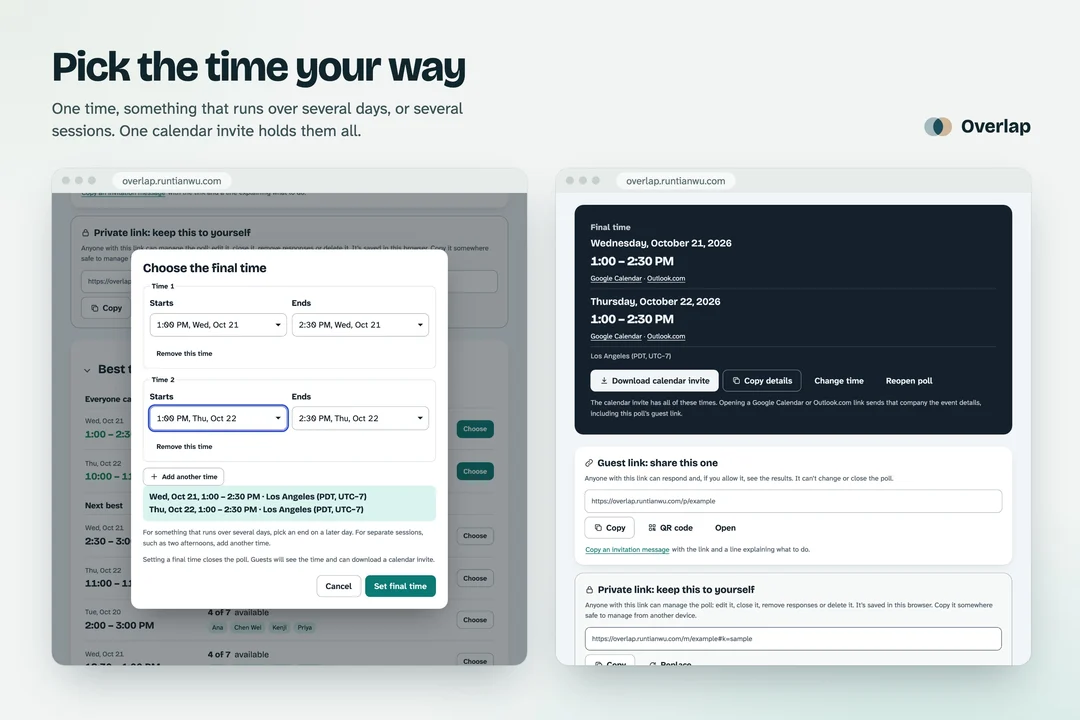
- It finishes the job. The organizer sets the final time, as one slot, something that runs over several days, or several separate sessions, and every guest's page turns into the plan with a calendar invite.
- The organizer stays in control. Change the dates, times, note, place or closing date after publishing; choose who sees the answers; lock, remove or export them; share by QR code; and manage the poll from any device with an optional password.
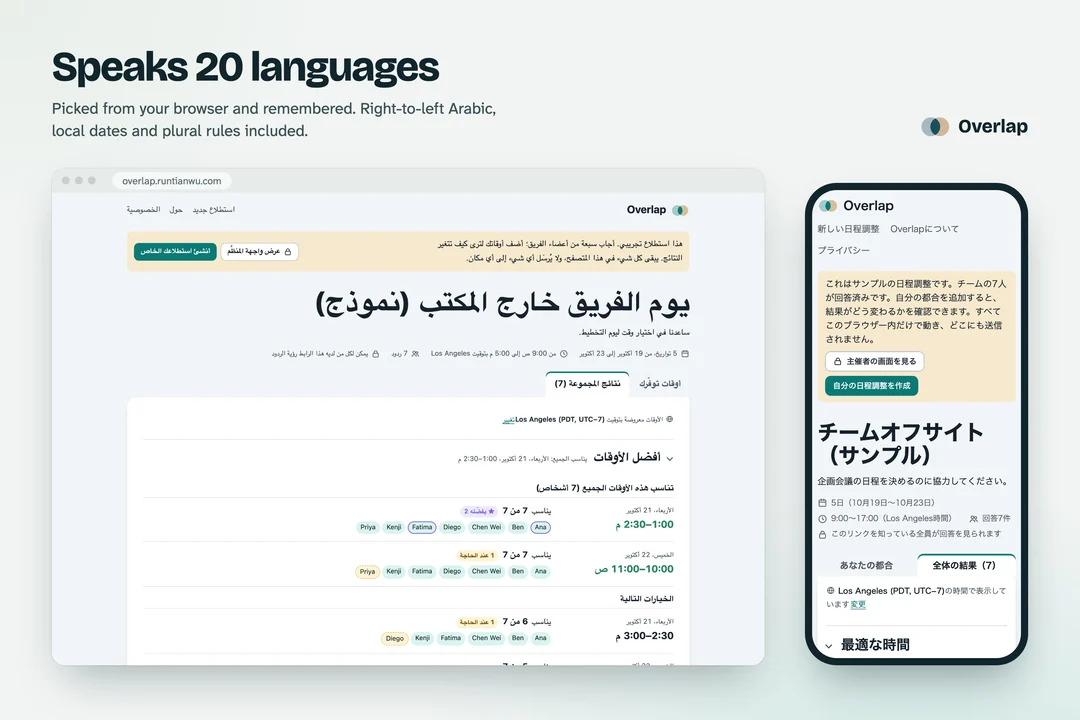
- Built for everyone. Touch, mouse, keyboard and screen reader, in 20 languages including right-to-left Arabic, in light or dark mode.
- Private by default. No accounts, ads, cookies or tracking. Passwords are optional and never leave your browser, and email is opt-in.
- Polls stay until you delete them. Nothing expires on a timer, and guests can delete their own answer at any time.
For the organizer
- Create a poll. Name it, pick dates or days of the week, and set the hours. Select a range picks a long stretch of dates in two clicks and can skip weekends.
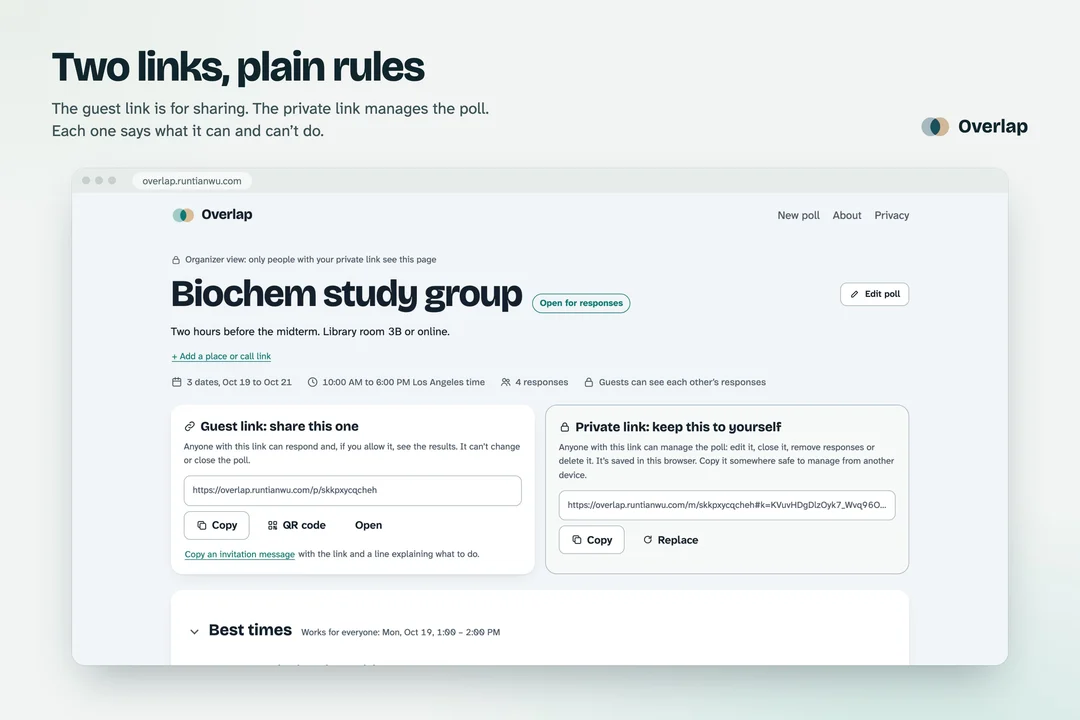
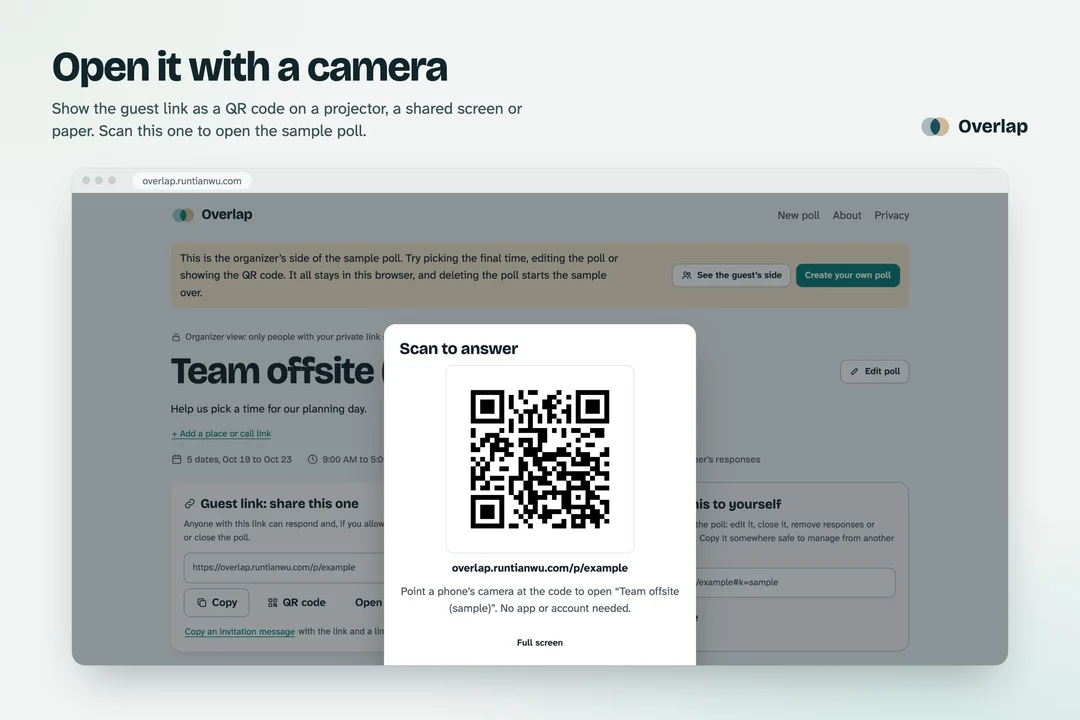
- Share it. The guest link is the one you send: copy it, share it from your phone, paste a ready-made invitation, or show it as a QR code. The private link is how you manage the poll, so keep it somewhere safe; Replace makes a new one if it leaks.
- Decide. Choose one of the best times, adjust its start and end or add more sessions, and set it. Guests get an .ics file and Google Calendar and Outlook links.
- Manage. Edit anything, close or reopen the poll, remove an answer, export to CSV, duplicate it for the next meeting, or delete it.
For guests
- Mark your times. Type a name, pick a brush (Available, Preferred or If needed) and drag across your free times, or Shift-click to fill a range. On a phone, tap where a block starts and where it ends.
- Come back later. Keep your private edit link, or set an optional password and sign in on another device with your name and password.
- See the results. Everyone's colored lanes, a highlight for times everyone can make, and names for any time you hover over or focus.
Email, only if you ask
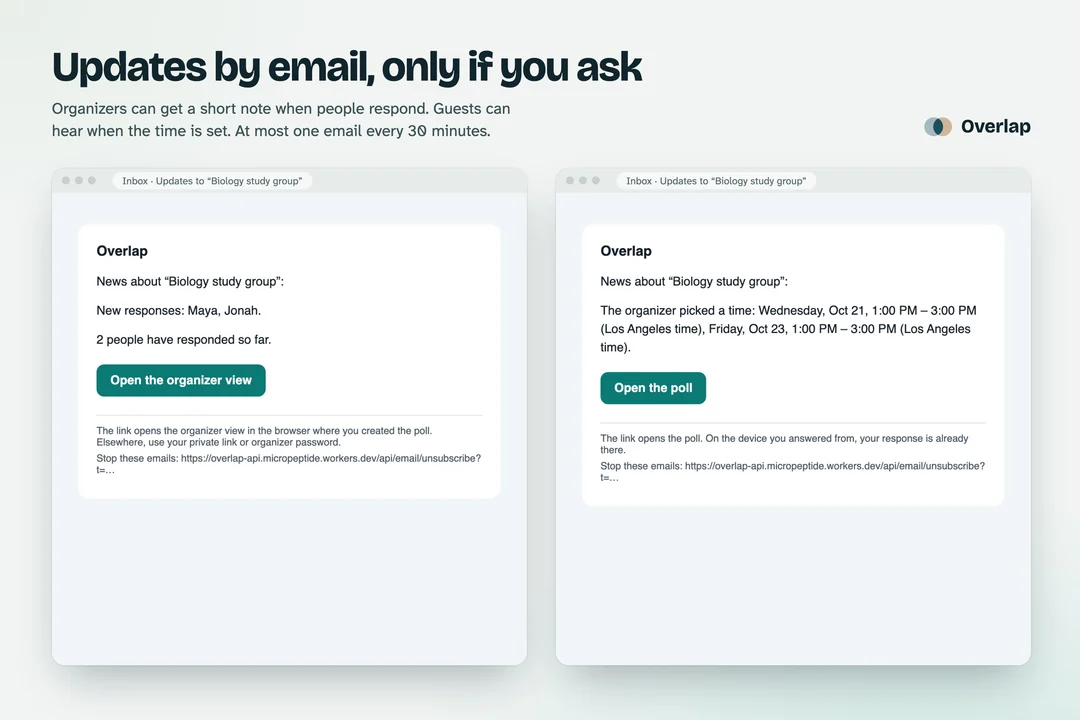
Organizers can get their private link by email and a short note when people respond; guests can get their edit link and hear when the time is set. Addresses are confirmed first, there's at most one email every 30 minutes, and every email has a one-click unsubscribe link.
Overlap is free and open source under the MIT License.